To apply a specific attribute to a text fragment, select the corresponding fragment and click the corresponding button above the edit field. This will cause the corresponding BB code to be inserted into the editable text so that the selected text will be placed between the opening and closing tags (codes).
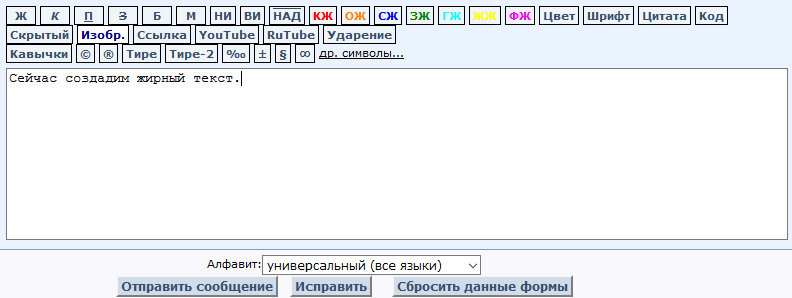
Example for attribute "bold":
1)
2)
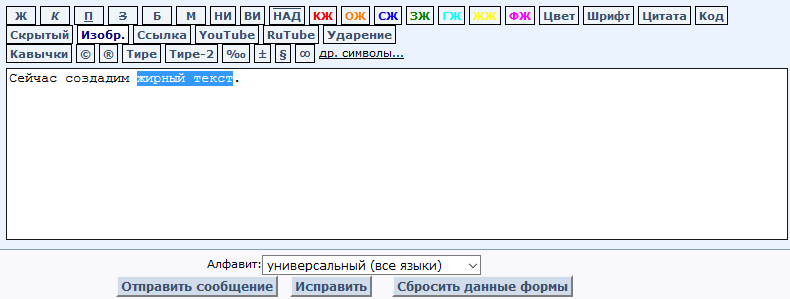
3)
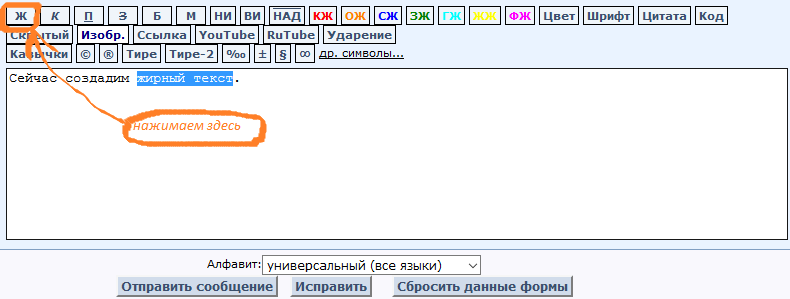
We get:
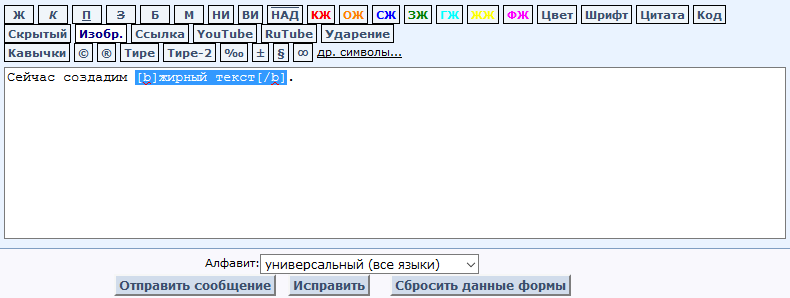
What will look like after sending the message:
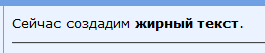
You should do the same with other formatting codes.
This code is used to insert a video clip from the YouTube video hosting. To do this, copy the HTML code of the video, paste it into the text, select this code with the mouse (or Shift keys) and click the YouTube button. There will be a video in place of the resulting selection after sending.
Example:
1) Copy the HTML code of the video by right-clicking and selecting "Copy HTML code"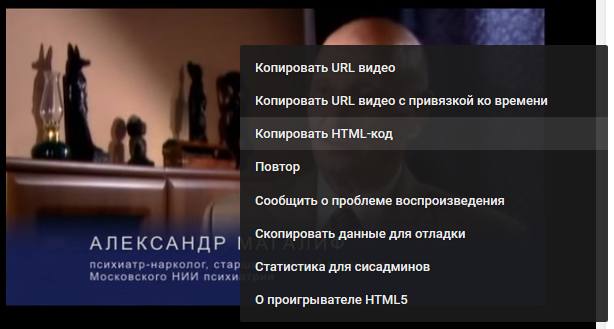
or by clicking the link "Share" (under the image of the video) and so on
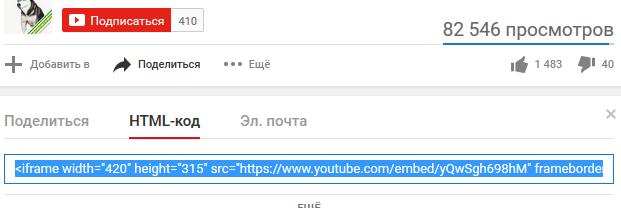
copy and then as described before.
This code is used to insert a video clip from the RuTube video hosting. To do this, copy the HTML code of the video, paste it into the text, select this code with the mouse (or Shift keys) and click the RuTube button. There will be a video in place of the resulting selection after sending.
Example-1 (if the video is on the site rutube.ru):
1) Copy the HTML code of the video by clicking the link "Share" (under the image of the video) and then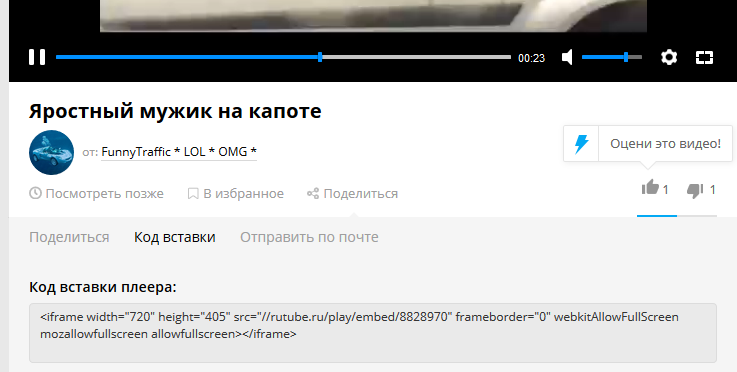
copy and then as described before.
Example-2 (if the video is on another site, for example, on some forum):
1) Click the "Share" button in the upper right part of the video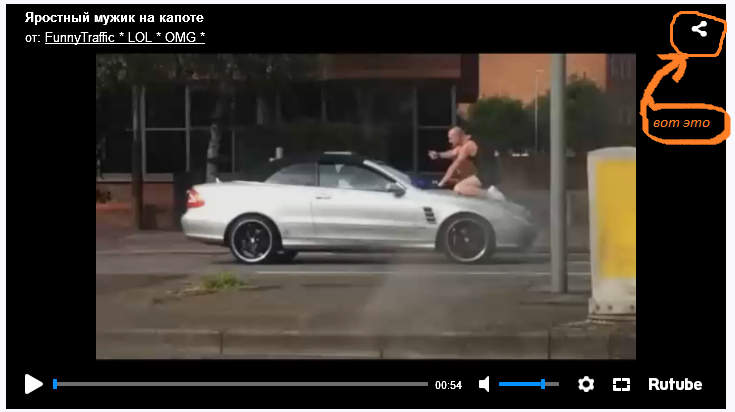
2) Then press
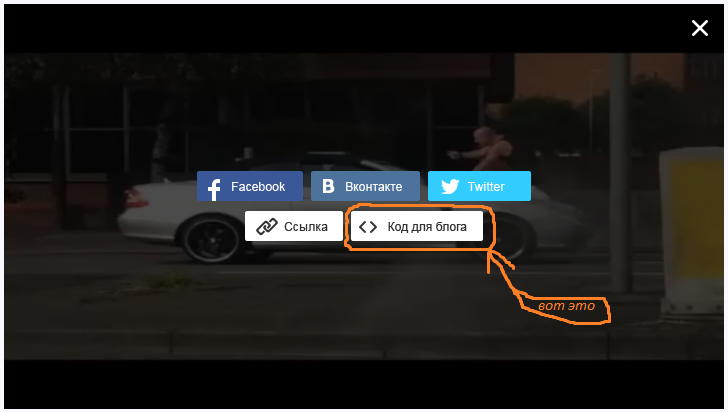
3) Insert it into a message on our website Programs by Super-M aka PredatoryTiger and then as described before.